

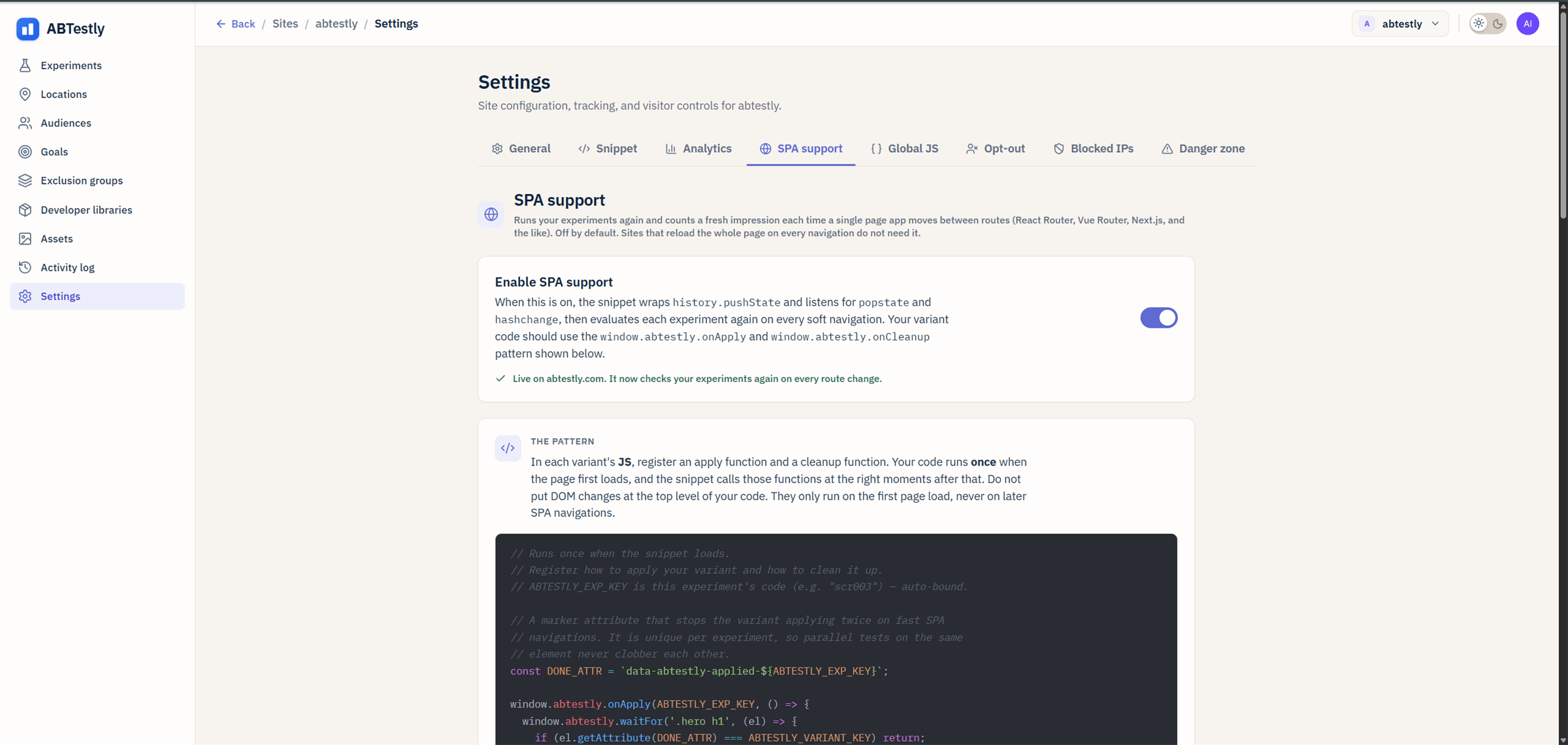
SPA support panel, enable toggle and three variant templates.
The toggle
Enable SPA route detection. When on:- The snippet wraps
history.pushStateandhistory.replaceState. - Listens to
popstateandhashchange. - On a route change, cleanup runs for experiments that no longer match, apply runs for experiments that do, and page-visit goals are re-evaluated.
Templates
Below the toggle are three template blocks. These are code snippets the editor uses when you add a new variant. They are just defaults; each variant can override.- Apply template. The code inserted into a new variant’s
onApplyhandler. Defaults to awaitForboilerplate. - Cleanup template. The code for
onCleanup. Defaults to suggesting undo-your-mutations. waitFortemplate. Boilerplate for the polling helper.
When on vs off
Turn on:- React, Vue, Svelte, Angular apps.
- Any site where clicking a link stays on the same page and rewrites content client-side.
- A traditional site with just a few SPA-shaped sections (a modal wizard, a stepper), also fine. The overhead of the wrap is negligible.
- Full page loads on every navigation (WordPress, Shopify default, most static sites).
- Sites where every anchor click causes an actual navigation.
What the templates do not do
- They do not run automatically. A variant is still responsible
for defining its own
onApplyandonCleanup. The templates only seed the editor. - They do not centralize behavior. If you want site-wide code
that runs on every route change, use Global JS
and hook
abtestly:routechange.