

Availability. Mutual exclusion groups are on the Business plan
and above. Starter and Pro plans, and Legacy Free accounts, can run
tests on the same page, but two experiments that could enter the same
visitor will double-count them. The free tier closed to new signups on
5 September 2026; see the Free tier. See
pricing.
- You cannot attribute a lift. The lift you measure on test A is contaminated by test B’s variant, and vice versa.
- The variants may fight. Test A’s variant hides a button that test B’s variant depends on. Now both are broken and the failures correlate.
- Your stats overstate confidence. Two tests running on the same visitors are not two independent samples; they are one entangled sample.
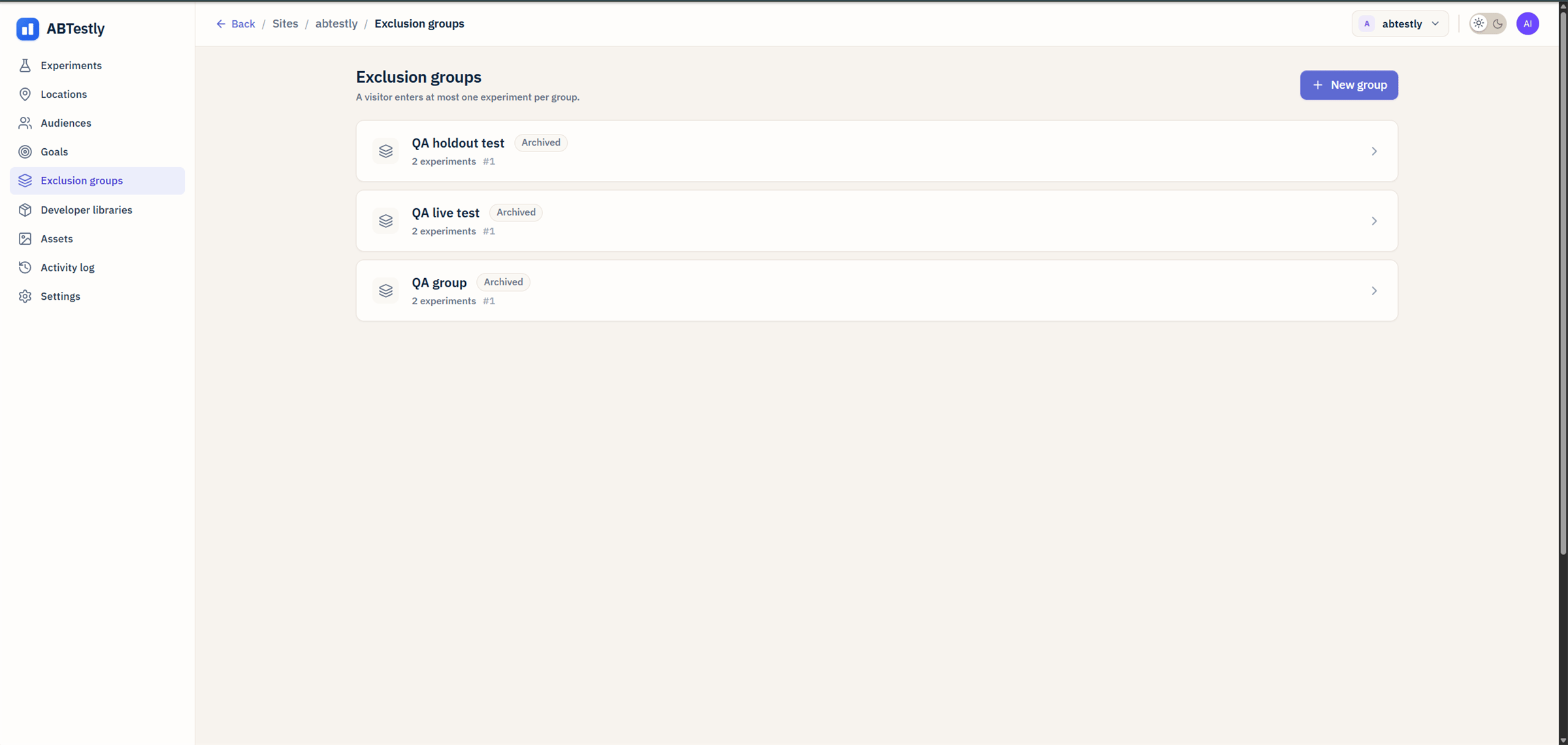
Exclusion groups tab, every group shows its allocated share, its members, and a status per member.
The one-sentence pitch
An exclusion group is a way to say: “these experiments are running in the same space; make sure no visitor sees more than one of them.”When to reach for one
Same DOM region
Two tests that mutate the same hero, the same CTA, the same
pricing card. If both applied, the DOM would be nondeterministic.
Same funnel step
Two tests on the checkout page. Even if they touch different
elements, they both measure conversion at the same step and
entangled results are hard to unwind.
Two competing hypotheses
You want to test hypothesis A against control and hypothesis
B against control at the same time, but they are alternatives.
you would never ship both.
Long-term holdout cell
You want a permanent slice of traffic that sees the original
forever, so you can measure long-tail effects on retention. See
holdouts.
When not to use one
- Tests on different pages. A homepage test and a pricing-page test do not need a group; they cannot collide because the Location rules keep them separate.
- Tests on different audiences. A mobile-only test and a desktop-only test cannot collide because Audience rules already separate them.
- A single test with a control. That is just an experiment with Variant A and Original; no exclusion group needed.
What you get in return
Once experiments are in a group, ABTestly:- Deterministically assigns each visitor to at most one member, before either experiment’s own bucketing runs.
- Skips the losers silently, visitors excluded from your test see the original page. No confusing “was I in the test or not?” states.
- Enforces the guarantee across page loads, the assignment sticks. A visitor bucketed to member A on page one stays on member A on page two.
- Stamps a generation counter on every exposure so results pages can tell you if group membership changed mid-experiment.
The moving parts
Three concepts show up on every group page:- Shares, how many of the group’s 10,000 slots each member owns. See how allocation works.
- Unallocated space, 10,000 minus the sum of member shares. Visitors landing there see none of the group’s experiments; useful for holdout cells.
- Generation, a counter that increments whenever you change membership. Bumping it re-dices every visitor into fresh slots.
Where to go next
How allocation works
The 10,000-slot bucketing space, the salt, and how membership
is deterministic across pageviews.
Long-term holdouts
Reserve a slice of traffic that sees the original forever, to
measure long-tail effects.
Managing membership
Adding members, retiring vs allocated status, cloning behavior,
activation trigger restrictions.