

The URLs to share
Both of these URLs live in your Settings → Opt-out panel with a copy button next to each:https://YOURSITE.com/?abtestly_optout=1, opt this browser out.https://YOURSITE.com/?abtestly_optout=0, opt this browser back in.
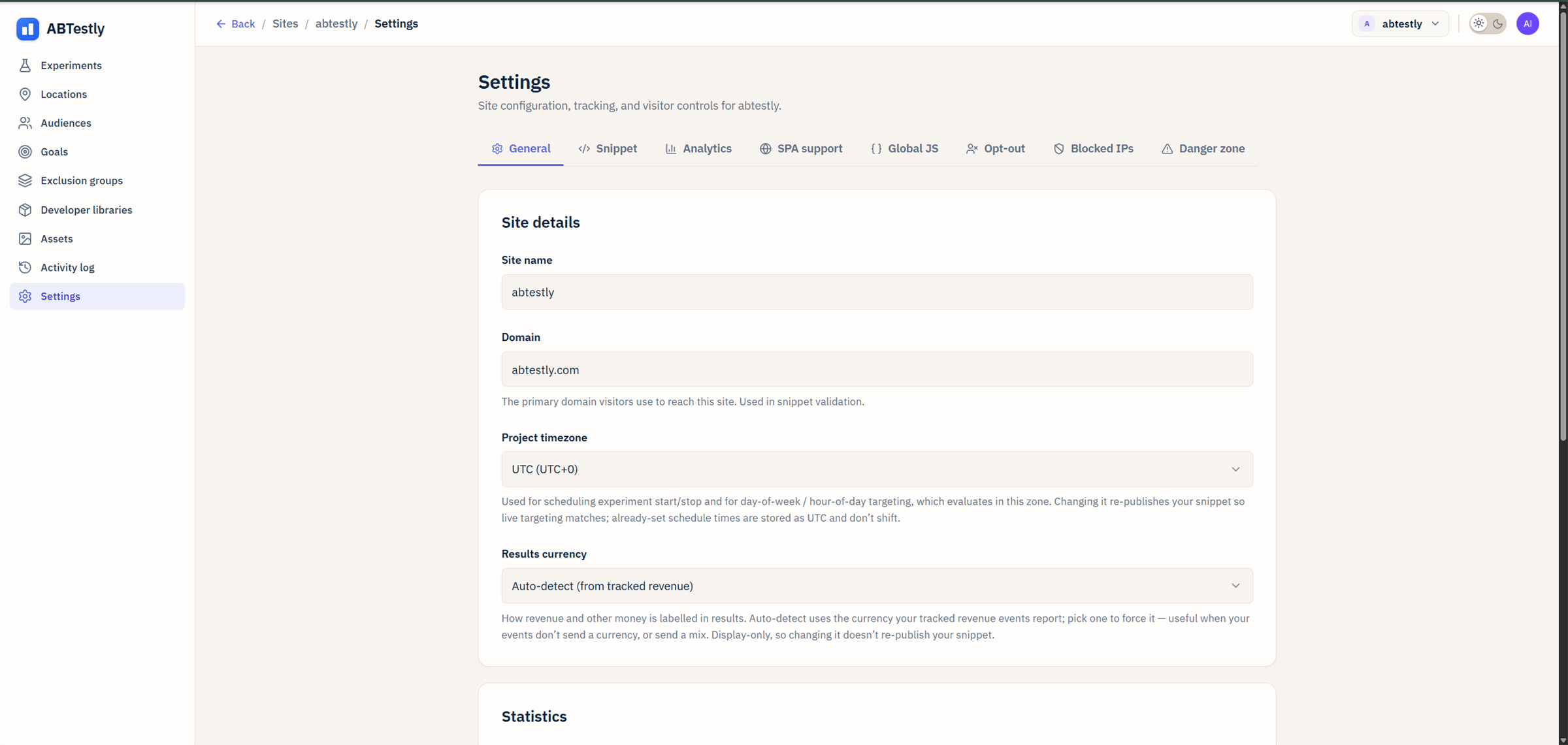
Settings → Opt-out. Copy either URL and share it with the visitor.
What “opt out” actually does
An opted-out visitor:- Never gets bucketed into any experiment. Existing bucket cache is cleared.
- Never has variant CSS or JavaScript applied.
- Never sends an exposure or a goal beacon to ABTestly.
Cookie details
- Cookie name:
__abtestly_optout - Value:
1 - Domain: your effective top-level plus one (eTLD+1), so it covers
www.acme.com,app.acme.com, and any other subdomain of your site. - Max age: two years.
What if the cookie cannot be written
The snippet fails closed. If it cannot verify that the cookie was written, the browser rejected it, the domain is a raw IP, whatever the reason, the current pageview is still suppressed. It errs on the side of respecting the opt-out even when it cannot remember it for next time. The same applies in reverse. An opt-back-in request that could not clear the cookie leaves the visitor opted out.Preview vs opt-out
The preview modal can override the runtime for QA purposes, but a preview link cannot swallow the opt-out URL. If a visitor clicks the opt-out URL you gave them, they are opted out even if they later use a preview link, as they should be.Why not the browser’s Do Not Track header
Do Not Track is not enforced anywhere and most browsers no longer send it. A URL your visitor can click is something you can point them to, share in an email, or put in a support macro.How this composes with consent
If you also use consent gating, for example, deferred mode with aconsentKey, the two mechanisms compose. The snippet does not
fire until both apply: consent is granted and the visitor is not
opted out.