> ## Documentation Index
> Fetch the complete documentation index at: https://docs.abtestly.com/llms.txt
> Use this file to discover all available pages before exploring further.
# Danger zone
> Delete a site. Removes every experiment, every event, every asset. Two confirmations before it happens; there is no undo.
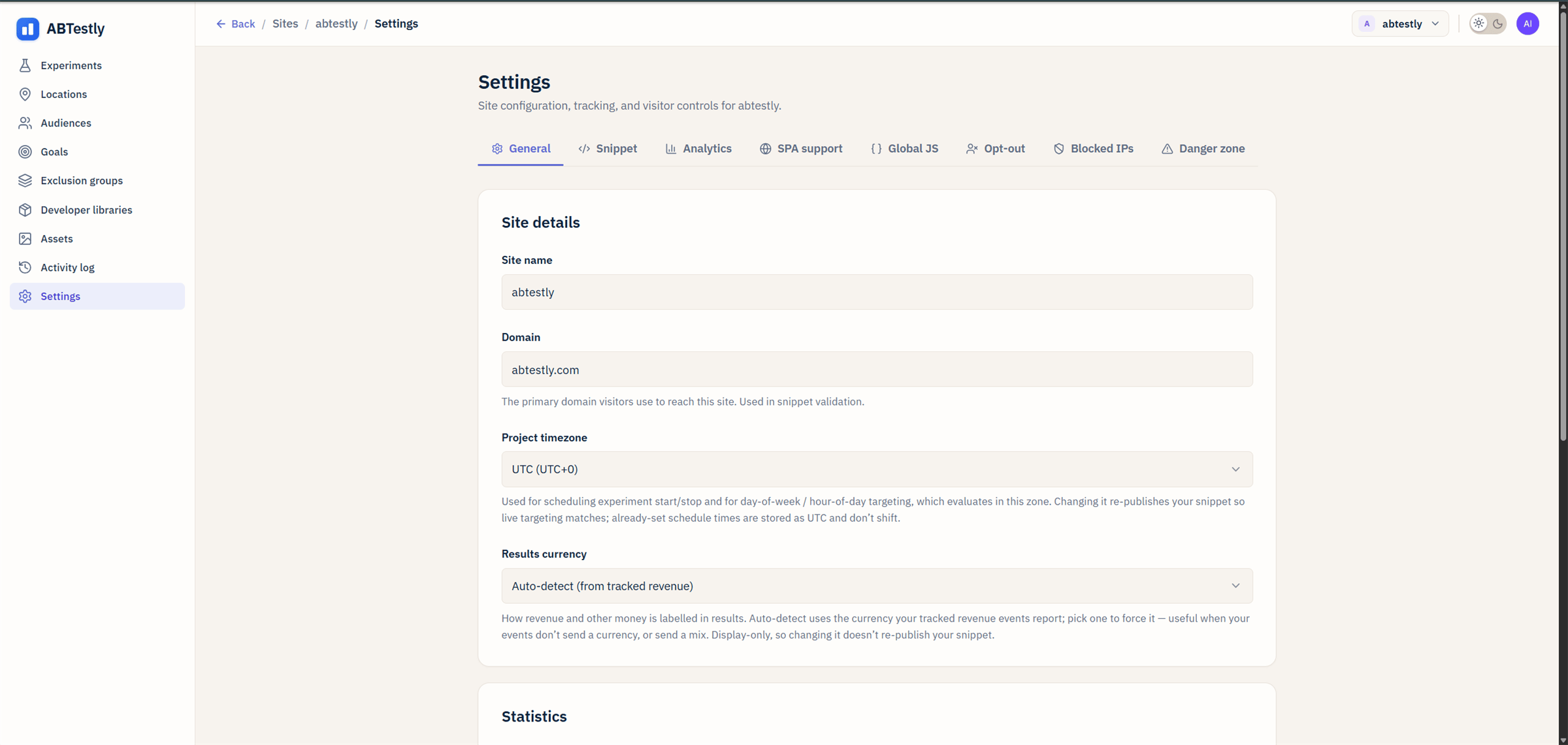
**Site → Settings → Danger zone.** Requires the **Danger zone**
permission, which requires Admin.
The panel has one button: **Delete this site**.
 ## What deletion actually does
* **Every experiment on the site is deleted.** Live, paused,
archived, everything.
* **Every event in the ledger for this site is purged.** Not
soft-deleted. Purged.
* **Every uploaded asset is scheduled for R2 deletion.** Any variant
or email referencing the asset URL will 404 within a few minutes.
* **Every goal, location, audience, exclusion group is removed.**
* **The snippet on the site stops being valid.** Requests to the
snippet URL will return an empty stub. Deployed pages with the
snippet will still load; the snippet just does nothing.
## What deletion does not do
* **Does not remove the site from the workspace's usage count for
the current billing period.** MTU already used counts for the
month.
* **Does not un-invoice a paid plan.** For a refund, see
[Refunds](/billing/refunds).
## The confirmation
Deletion asks you to type the site's domain into a confirmation
field. That is a deliberate friction, muscle memory should not be
able to delete a site.
## No undo
We do not keep hidden backups. When it is deleted, it is deleted.
## Alternatives to deletion
Before you delete, consider:
* **Archive the site.** Not currently a first-class action, but you
can archive every experiment on it and leave the site itself
empty. That preserves the historical data and the snippet key.
* **Downgrade the workspace to Free.** Your site stays; extras become
frozen and read-only. See [Refunds](/billing/refunds).
* **Rename the site.** If the reason you want to delete is that the
name is wrong or the domain moved, edit the site instead of
starting over.
Deletion is the right call when you genuinely want the site gone.
you sold the domain, you moved off the product, you want to start
completely fresh. Otherwise, one of the above is usually a better
fit.
## What deletion actually does
* **Every experiment on the site is deleted.** Live, paused,
archived, everything.
* **Every event in the ledger for this site is purged.** Not
soft-deleted. Purged.
* **Every uploaded asset is scheduled for R2 deletion.** Any variant
or email referencing the asset URL will 404 within a few minutes.
* **Every goal, location, audience, exclusion group is removed.**
* **The snippet on the site stops being valid.** Requests to the
snippet URL will return an empty stub. Deployed pages with the
snippet will still load; the snippet just does nothing.
## What deletion does not do
* **Does not remove the site from the workspace's usage count for
the current billing period.** MTU already used counts for the
month.
* **Does not un-invoice a paid plan.** For a refund, see
[Refunds](/billing/refunds).
## The confirmation
Deletion asks you to type the site's domain into a confirmation
field. That is a deliberate friction, muscle memory should not be
able to delete a site.
## No undo
We do not keep hidden backups. When it is deleted, it is deleted.
## Alternatives to deletion
Before you delete, consider:
* **Archive the site.** Not currently a first-class action, but you
can archive every experiment on it and leave the site itself
empty. That preserves the historical data and the snippet key.
* **Downgrade the workspace to Free.** Your site stays; extras become
frozen and read-only. See [Refunds](/billing/refunds).
* **Rename the site.** If the reason you want to delete is that the
name is wrong or the domain moved, edit the site instead of
starting over.
Deletion is the right call when you genuinely want the site gone.
you sold the domain, you moved off the product, you want to start
completely fresh. Otherwise, one of the above is usually a better
fit.