> ## Documentation Index
> Fetch the complete documentation index at: https://docs.abtestly.com/llms.txt
> Use this file to discover all available pages before exploring further.
# Blocked IPs
> Server-side filter that drops events from IPs you list. The visitor still sees your site; ABTestly just does not record them.
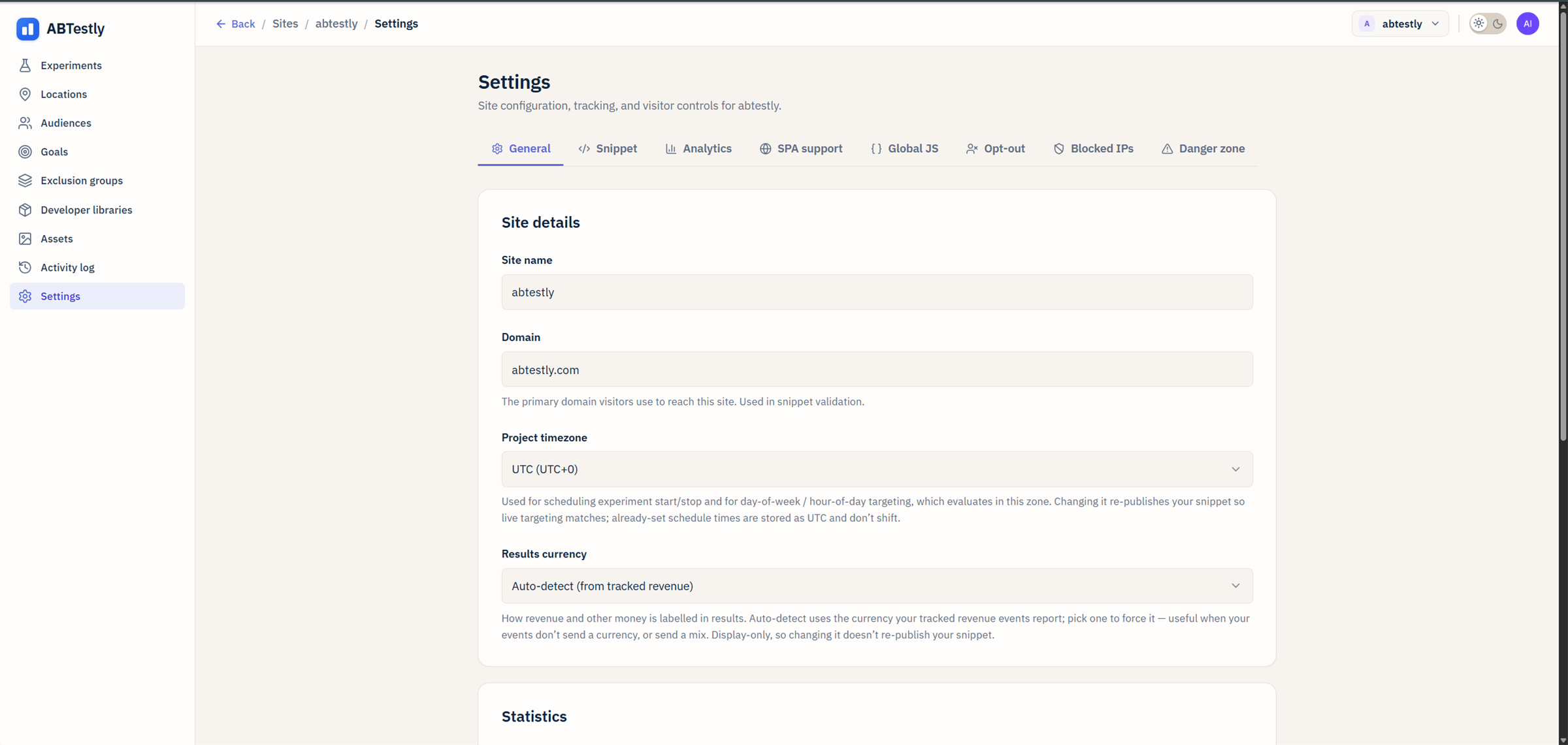
**Site → Settings → Blocked IPs.** Requires the IP block list
permission.
 ## What it does
Every incoming event is checked against the site's blocked-IP rules.
If the visitor's IP matches a rule, the event is dropped at ingest.
The visitor still browses your site normally and still sees whatever
variant they were assigned, ABTestly just does not record their
exposures or goals.
Use for:
* **Your office**, so internal QA does not pollute results.
* **A known bot range** you keep seeing traffic from.
* **A specific misbehaving IP** during an incident.
## Three input modes
The panel accepts:
* **Single IP.** `203.0.113.42`.
* **Range.** `203.0.113.0/24` (CIDR notation).
* **Multiple.** Paste a list, one entry per line, a mix of singles
and ranges is fine.
Both IPv4 and IPv6 are supported.
## What the snippet actually reads
The rules are matched at the worker, not on the visitor's browser. The
snippet does not know about them, a blocked visitor's browser still
fetches config, still runs variants, still calls
`sendBeacon`. The beacon lands at `POST /e`, the worker looks up the
visitor's IP against the rules, and if there is a match the event is
dropped without being written to Analytics Engine or the ledger.
The worker reads the visitor IP from Cloudflare's
`CF-Connecting-IP` and `CF-Connecting-IPv6` headers. It ignores
client-settable headers like `X-Forwarded-For`, so a spoofed request
cannot bypass the block by claiming a different IP.
## Fails open, not closed
If a rule is malformed, or the header is missing, or the rule matching
throws for any reason, the event is **kept**. Blocking a legitimate
visitor's data because of a config error would be worse than the
occasional test event making it through, which you can catch anyway
via the [activity dashboard](/team/activity-log).
## Last-observed activity
The panel shows, next to each rule, when the last event that would
have matched came in, "Activity observed 3 hours ago". Useful for
seeing whether a rule is still doing something or whether you can
retire it. If the read fails (very rare, usually a temporary
back-pressure blip), it shows "Activity unavailable" rather than a
zero.
## What blocked IPs *does not* do
* **Block the visitor from your site.** ABTestly is not a firewall.
They still browse; they just do not count. If you actually want
people gone from your site, that is a Cloudflare WAF rule or an
application-level auth check, not this panel.
* **Retroactively remove past data.** Adding an IP to the block list
drops events from that IP going forward. Events already collected
stay in the ledger. Use [Reset data](/build/create#autosave-and-drafts)
on the experiment if you need to start fresh.
## For your own visits
An easier way for personal QA: the
[visitor opt-out URL](/install/opt-out). One click on your machine,
opted out for two years, no admin action needed. Reserve blocked IPs
for shared internal networks or bot ranges.
## What it does
Every incoming event is checked against the site's blocked-IP rules.
If the visitor's IP matches a rule, the event is dropped at ingest.
The visitor still browses your site normally and still sees whatever
variant they were assigned, ABTestly just does not record their
exposures or goals.
Use for:
* **Your office**, so internal QA does not pollute results.
* **A known bot range** you keep seeing traffic from.
* **A specific misbehaving IP** during an incident.
## Three input modes
The panel accepts:
* **Single IP.** `203.0.113.42`.
* **Range.** `203.0.113.0/24` (CIDR notation).
* **Multiple.** Paste a list, one entry per line, a mix of singles
and ranges is fine.
Both IPv4 and IPv6 are supported.
## What the snippet actually reads
The rules are matched at the worker, not on the visitor's browser. The
snippet does not know about them, a blocked visitor's browser still
fetches config, still runs variants, still calls
`sendBeacon`. The beacon lands at `POST /e`, the worker looks up the
visitor's IP against the rules, and if there is a match the event is
dropped without being written to Analytics Engine or the ledger.
The worker reads the visitor IP from Cloudflare's
`CF-Connecting-IP` and `CF-Connecting-IPv6` headers. It ignores
client-settable headers like `X-Forwarded-For`, so a spoofed request
cannot bypass the block by claiming a different IP.
## Fails open, not closed
If a rule is malformed, or the header is missing, or the rule matching
throws for any reason, the event is **kept**. Blocking a legitimate
visitor's data because of a config error would be worse than the
occasional test event making it through, which you can catch anyway
via the [activity dashboard](/team/activity-log).
## Last-observed activity
The panel shows, next to each rule, when the last event that would
have matched came in, "Activity observed 3 hours ago". Useful for
seeing whether a rule is still doing something or whether you can
retire it. If the read fails (very rare, usually a temporary
back-pressure blip), it shows "Activity unavailable" rather than a
zero.
## What blocked IPs *does not* do
* **Block the visitor from your site.** ABTestly is not a firewall.
They still browse; they just do not count. If you actually want
people gone from your site, that is a Cloudflare WAF rule or an
application-level auth check, not this panel.
* **Retroactively remove past data.** Adding an IP to the block list
drops events from that IP going forward. Events already collected
stay in the ledger. Use [Reset data](/build/create#autosave-and-drafts)
on the experiment if you need to start fresh.
## For your own visits
An easier way for personal QA: the
[visitor opt-out URL](/install/opt-out). One click on your machine,
opted out for two years, no admin action needed. Reserve blocked IPs
for shared internal networks or bot ranges.